
Excel Spreadsheets Are Great, BUT NOT FOR GTINs!
Data Hub and GTIN.cloud Are The Only Options: Understand the Differences
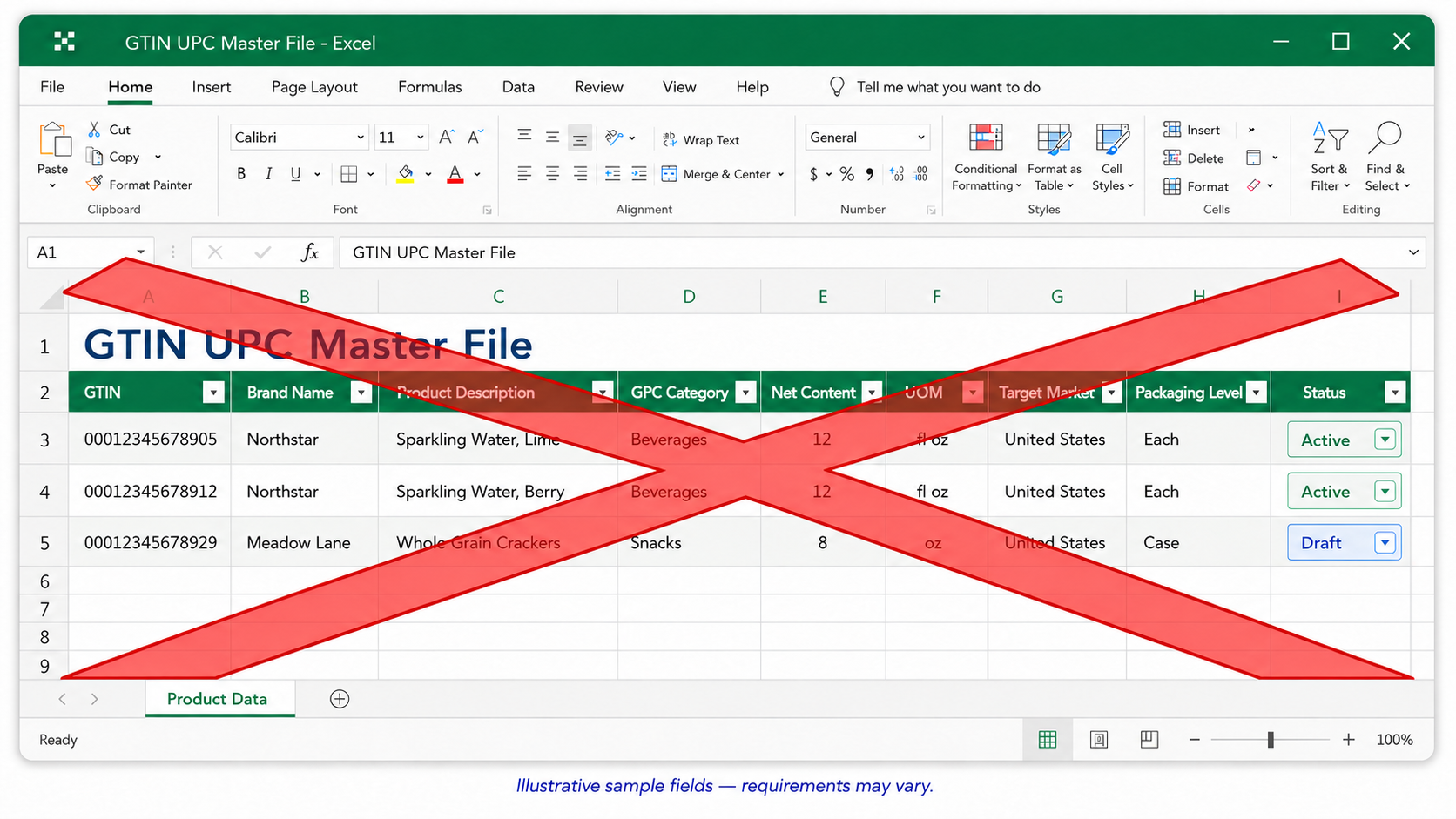
Somewhere in your company, there’s a file called something like UPC_Master_FINAL_v3.xlsx. It lives on a shared drive, or worse, on one person’s laptop, and it’s the only record of every barcode your company has ever assigned. Nobody checks it for typos. Nobody confirms it matches what’s actually been sent to retailers. And the moment that one person changes roles or leaves the company, everyone else is guessing at which numbers are active, which are retired, and which one might have accidentally been used twice.
That last part is the expensive one. GS1 will not let you reuse a GTIN once it’s been assigned, ever, no exceptions. So a single typo, a copy-paste error, or two people editing two different versions of the same file doesn’t just create a mess in a spreadsheet. It permanently burns a barcode number and sets off a chain reaction: a new GTIN, new packaging, and corrected listings with every retailer who already has the wrong one on file.
Here’s what that chain reaction actually looks like, broken down by the mistake that starts it:
| What goes wrong in the spreadsheet | What it costs you |
|---|---|
| A GTIN gets typed in twice, or one digit gets transposed | That GTIN is now permanently unusable. You reissue a new one, relabel the product, and update every retailer who has the old number on file. |
| The person who built the file leaves or changes roles – Very Common | The next person inherits a spreadsheet with no explanation of what’s active, what’s retired, or what’s already been used. They start guessing. |
| Two people edit two different copies | Nobody knows which version is current, so both keep working off numbers that may already be out of date. |
| The spreadsheet doesn’t match a retailer’s format | Amazon, Walmart, and similar partners expect specific data structures. A file built for internal use often doesn’t match, and the listing gets rejected. |
| A bad entry ships before anyone notices | There’s no record of who entered it or when. The first sign of trouble is a rejected listing or a support ticket days later. |
None of this shows up until it’s already a problem, and by then the fix costs real time and real money. Once you see it laid out, moving off a spreadsheet isn’t really optional. The real question is what replaces it, and the two answers most companies land on, GS1 US Data Hub and GTIN.cloud, are not the same tool wearing different logos.
GS1 US’s own tool won’t catch your mistakes
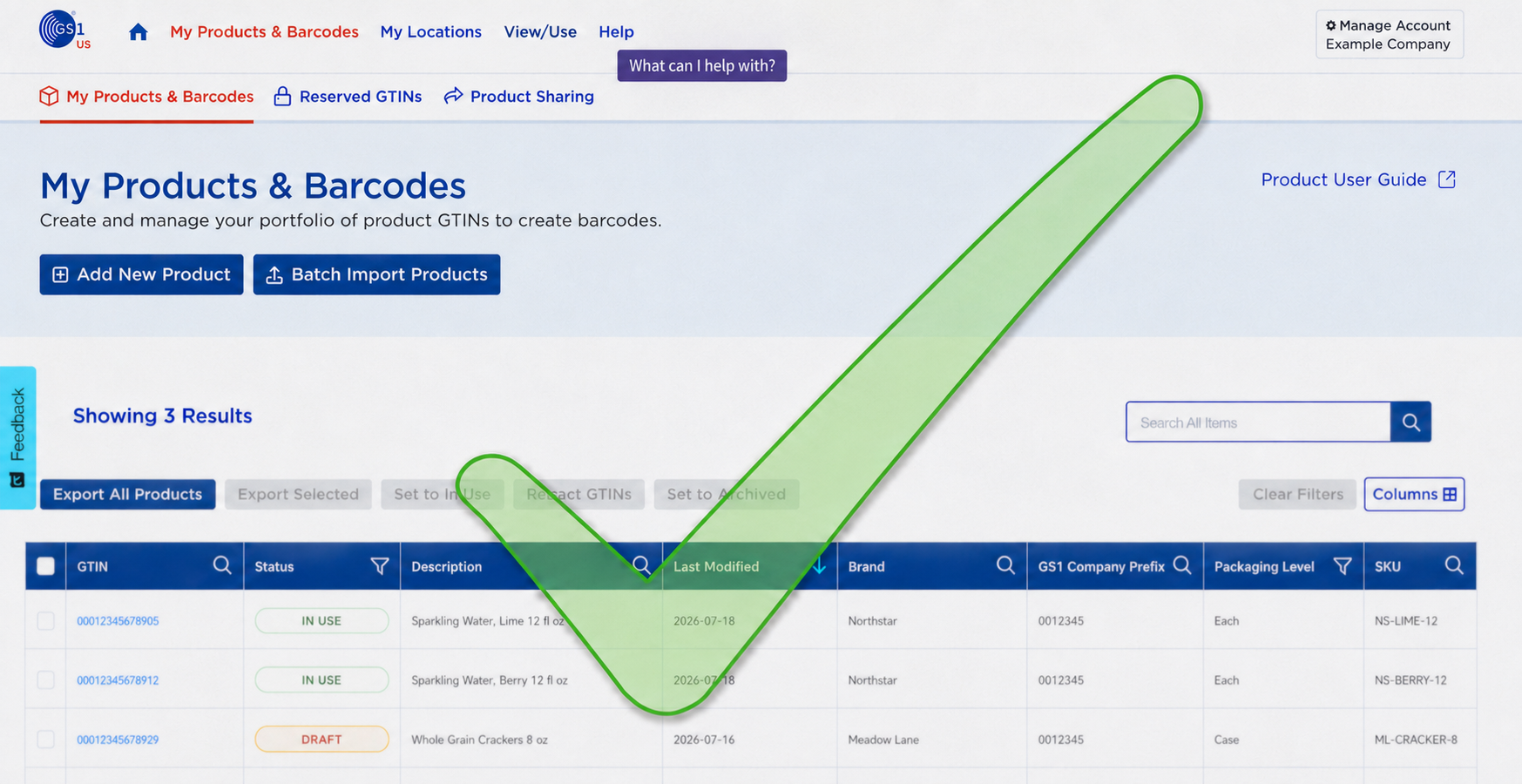
GS1 US Data Hub comes included when you license a GS1 Company Prefix, which makes it look like the obvious default. It isn’t free of limits, though. The included subscription covers exactly one user account; adding a second person to your team typically starts around $1,000. Everything you enter is self-serve: you type in the data, GS1 stores it, and nobody checks whether the GTIN is correctly assigned and the product data is correct. We commonly see Data Hub product descriptions duplicated for multiple GTINs.
GS1 US says as much itself, in writing, just not anywhere most members ever read. Its Verified by GS1 FAQ states plainly that its checking is limited to automated logical checks and does not confirm whether your brand attributes are actually accurate. It goes on to say brand owners are “solely responsible for the quality of all data” they enter. Data Hub’s own trial use agreement carries the same disclaimer: verification stops at automated checks, and using the data is on you. In plain terms, the organization licensing your barcodes and marketing Data Hub as a trusted registry has put it in writing that it does not check whether what you typed in is true.
GS1 itself also publishes numbers showing how bad product data gets industry-wide once nobody’s checking it: retailers report roughly 15,000 inaccurate product data issues a year, on average, across their supplier base, plus 5 to 10 hours spent training each brand partner just to get the basics right. Our own client service team sees the Data Hub version of that problem up close, and their working estimate is that as much as 80% of self-entered records come in incomplete or wrong. GS1 still markets Data Hub as a trusted, single source of truth. A registry that GS1’s own paperwork admits it doesn’t check doesn’t earn that description.
The gaps show up in practical ways, too. Data Hub asks for a handful of core fields, but Amazon alone requires at least 30 data points per product, and most retail trading partners want somewhere between 20 and 100. A record that satisfies GS1’s minimum can still get flagged or rejected the moment it reaches an actual retailer. Even the barcode files it generates are position-only mockups are not print-ready artwork, and they don’t come from GS1-certified barcode software.
Then there’s training. Learning to assign and manage GTINs correctly inside Data Hub isn’t intuitive, so GS1 runs paid webinars to walk members through it, at $79 a class, per person, unless you’re already paying for a GS1 Barcode Service subscription that includes it. The tool that comes “free” with your prefix ends up costing you in licenses, training fees, and the risk of publishing bad data nobody will catch until a retailer bounces it back.
What a checked record actually looks like
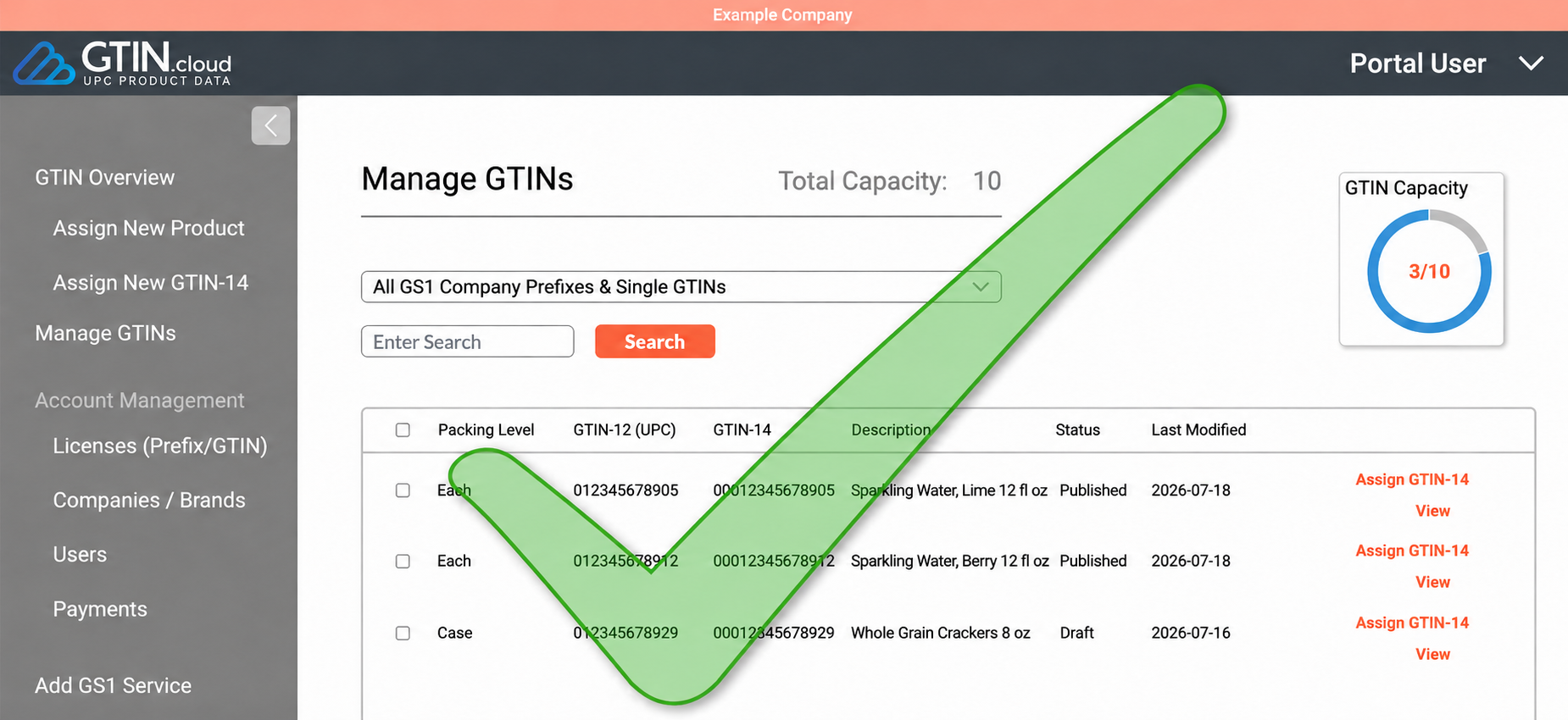
GTIN.cloud takes a different approach, and the difference is structural, not cosmetic. Access comes through an optional GS1 Barcode Support subscription rather than a default membership perk, and every product record you enter, every GTIN, every field, gets reviewed by an assigned, certified GS1 consultant before anything goes live. Nothing publishes unchecked.
That single design choice solves the spreadsheet problem and the Data Hub problem at once. Multiple users are included at no added cost, so when the person who originally set up your barcode assignments moves teams or leaves, the next person inherits a maintained record instead of a file they’ve never seen. Barcode files are generated through PrecisionCode, a GS1/UCC.EAN-certified engine, with bar-width compensation already factored in, and they export as EPS, PDF, or EMF: actual print-ready graphics.
It’s also built for what’s coming rather than just what’s required today. GTIN.cloud is already GS1 Digital Link-ready ahead of the 2027 industry shift, product data exports cleanly to platforms like Google Merchant Center, and companies on the Global Data Synchronization Network can sync GTINs automatically between GTIN.cloud and Data Hub through the GDSN Harvester, so you’re not maintaining two disconnected records.
The one real tradeoff
GTIN.cloud isn’t free. It comes as part of an annual GS1 Barcode Support subscription, and that’s a legitimate cost line a spreadsheet or a self-serve Data Hub account doesn’t carry. Worth weighing against what it prevents: because a GTIN can never be reissued once it’s assigned wrong, a bad entry that slips through an unchecked system doesn’t just get corrected, it gets abandoned. That means a new number, updated packaging, corrected listings across every retailer and trading partner who already has the old data on file. Measured against that, an annual subscription that catches the error before it publishes is closer to insurance than overhead, especially as teams grow and the person managing your barcodes today probably won’t be the person managing them in three years.
Summary
If your GTINs currently live in a spreadsheet, moving off it isn’t optional anymore, it’s a matter of when the gap gets discovered. The choice that’s left is between a self-serve tool that stores whatever you type in, errors included, and one where a certified consultant checks every field before your product ever reaches a shelf.
Get in touch with a GS1 Barcode Support consultant to see what your current GTIN records look like once someone actually checks them. Alternatively, establish a company-wide protocol and utilize GS1 certification and educational classes to protect your company.





Comments are closed.